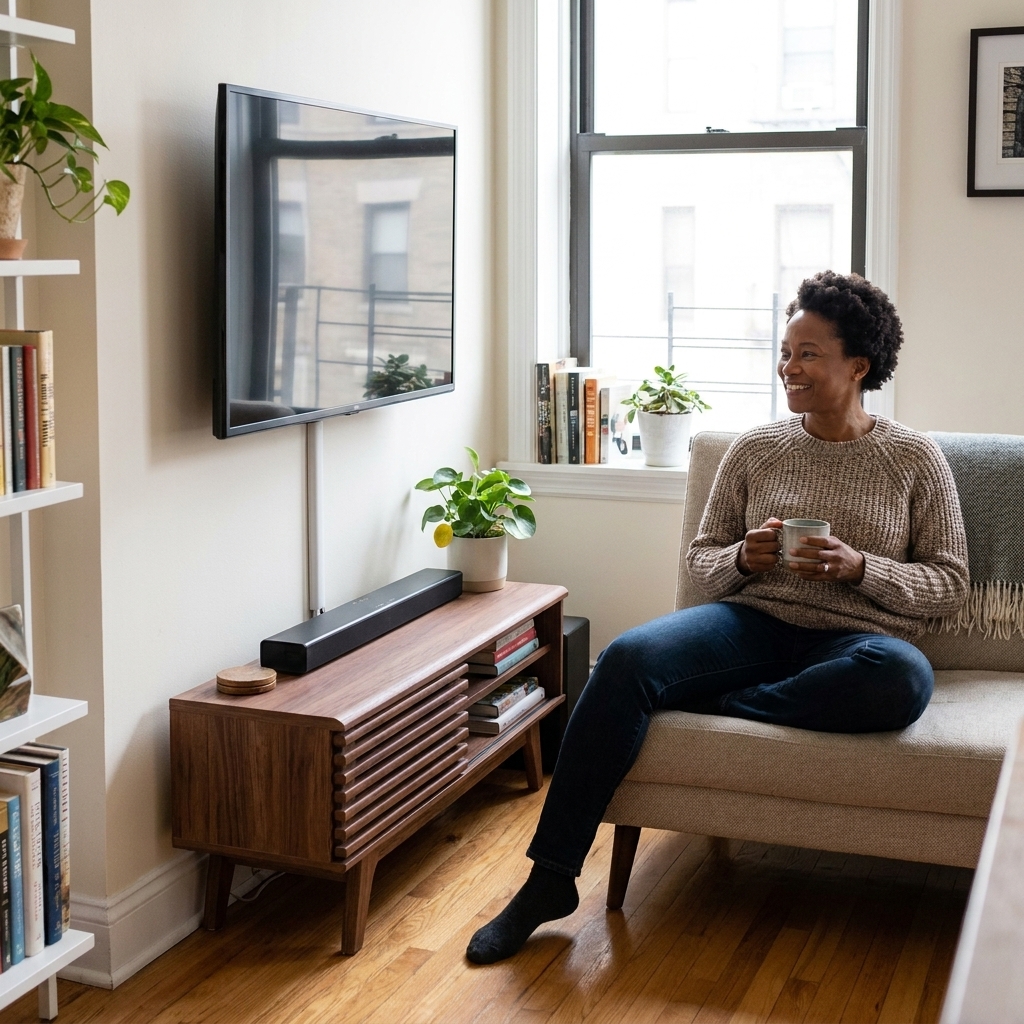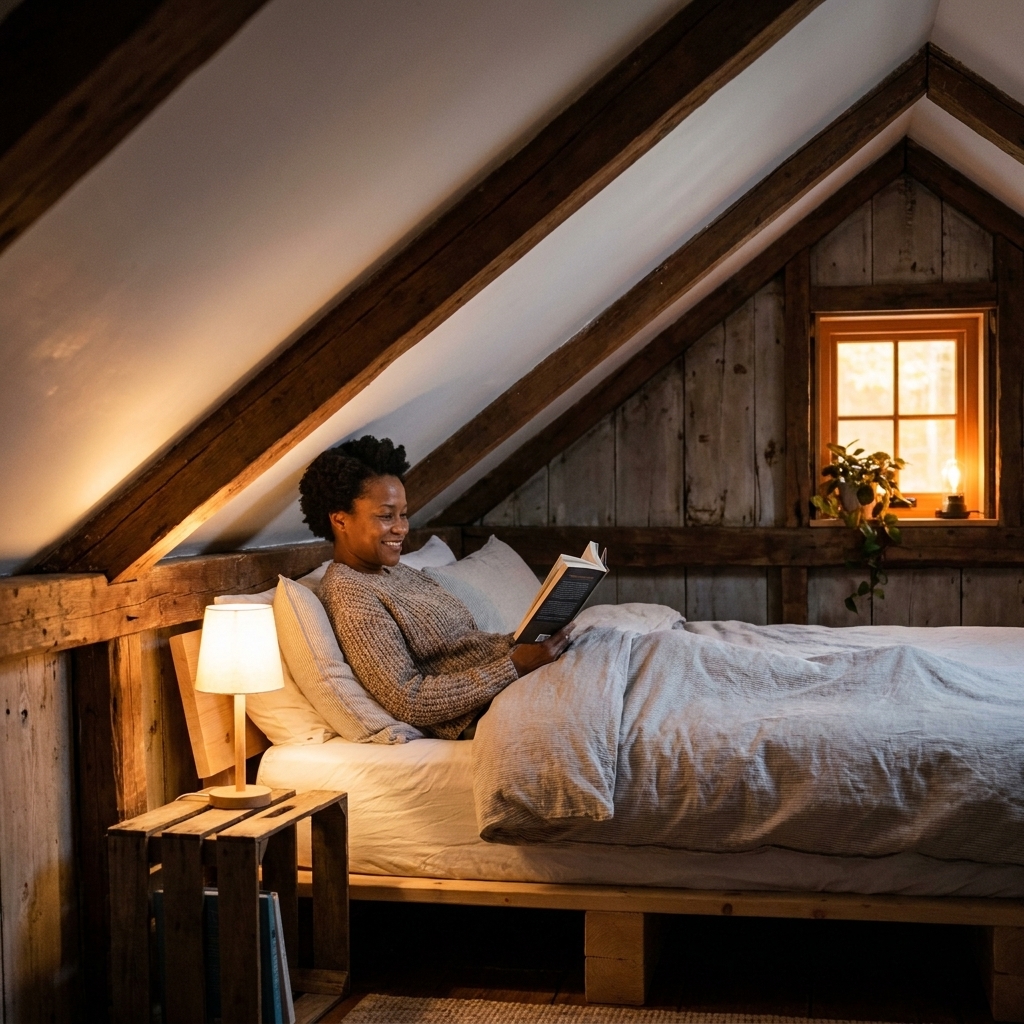
Layout ideas that turn architectural quirks into storage, micro offices, and cozy nooks, with renter-friendly tips for small apartments.
Space Ovo
The Cloffice Guide
Turn an underused closet into a real home office with renter-friendly steps: plan sizing, mount a desk, improve lighting, manage cords safely, and organize every inch.

Maya Brooks
Maya Brooks is an interior stylist and layout enthusiast who believes square footage should never dictate your home's style. After a decade of navigating cramped city studios, she shares practical, renter-friendly decorating and storage solutions to help others maximize their tiny spaces.
Created October 17, 2026
Updated October 17, 2026
Somewhere between “I guess I can work at the kitchen counter” and “I cannot look at this pile of mail one more day,” the cloffice was born. And honestly, it is one of my favorite tiny-apartment upgrades because it turns dead space into a dedicated work zone without stealing any living room real estate.
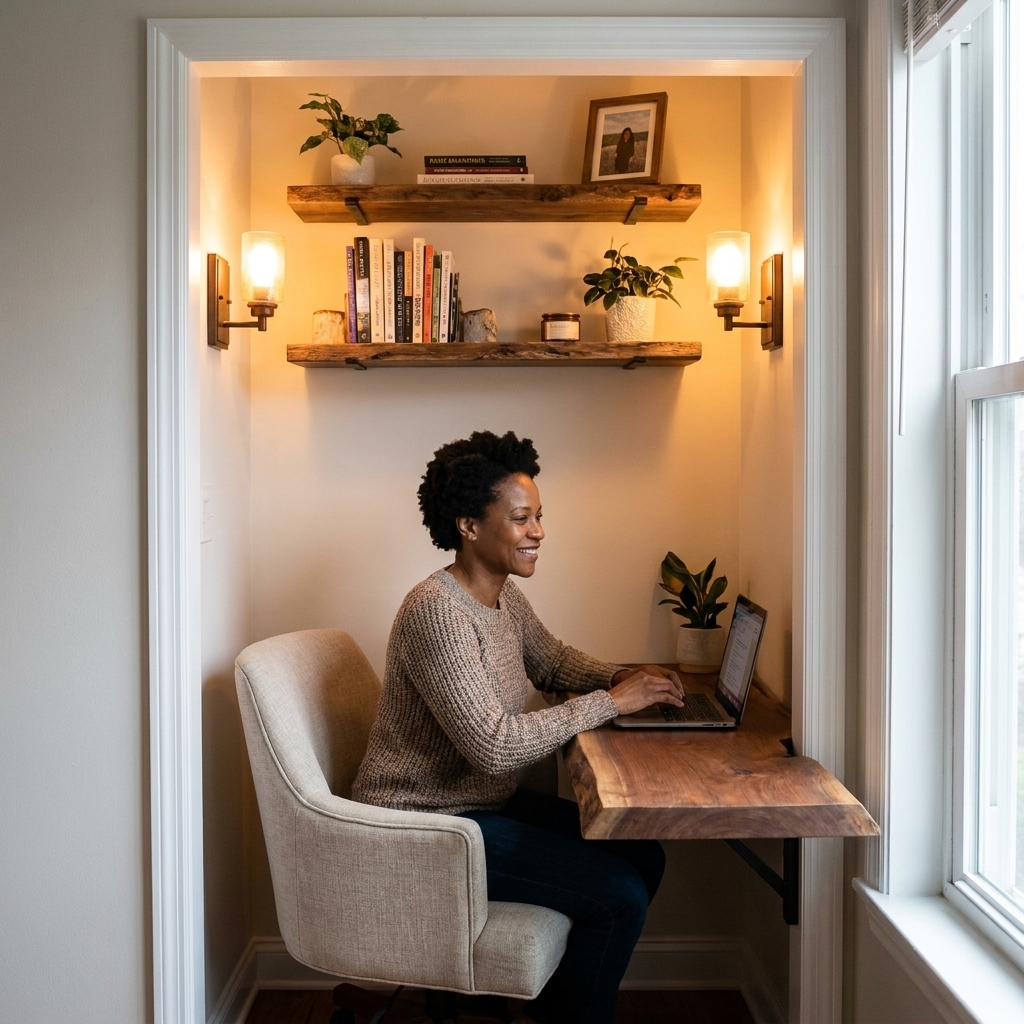
If you have a reach-in closet, a hall closet, or even an awkward nook with doors, you can build a compact workspace that feels intentional, not like you are answering emails from a cave. The trick is treating it like a mini room: clear the volume, plan the layout, anchor a desk surface, and fix the lighting.
Before you start: Is it a good fit?
I love enthusiasm, but I love a measuring tape more. Before you buy anything, do a quick reality check.
Quick fit checklist
- Depth: 22 to 26 inches is the sweet spot for a comfortable desktop. 18 to 20 inches can work for laptop-first setups.
- Width: 28 inches wide is workable. 36 to 48 inches feels luxurious in cloffice terms.
- Clearance: Aim for around 30 inches of open space in front of the desk if you can. That usually gives most people enough room to pull a chair back and sit without doing furniture yoga. If the closet is tight, plan on the chair living just outside the closet line (and consider removing doors).
- Ventilation: If it is a door-closed, low-airflow closet, plan to keep it open while working. Closets can trap heat fast, especially with a laptop and monitor.
- Power: An outlet inside is ideal. If not, check whether you can route a flat extension cord without pinching it in a door gap.
What kinds of closets work best?
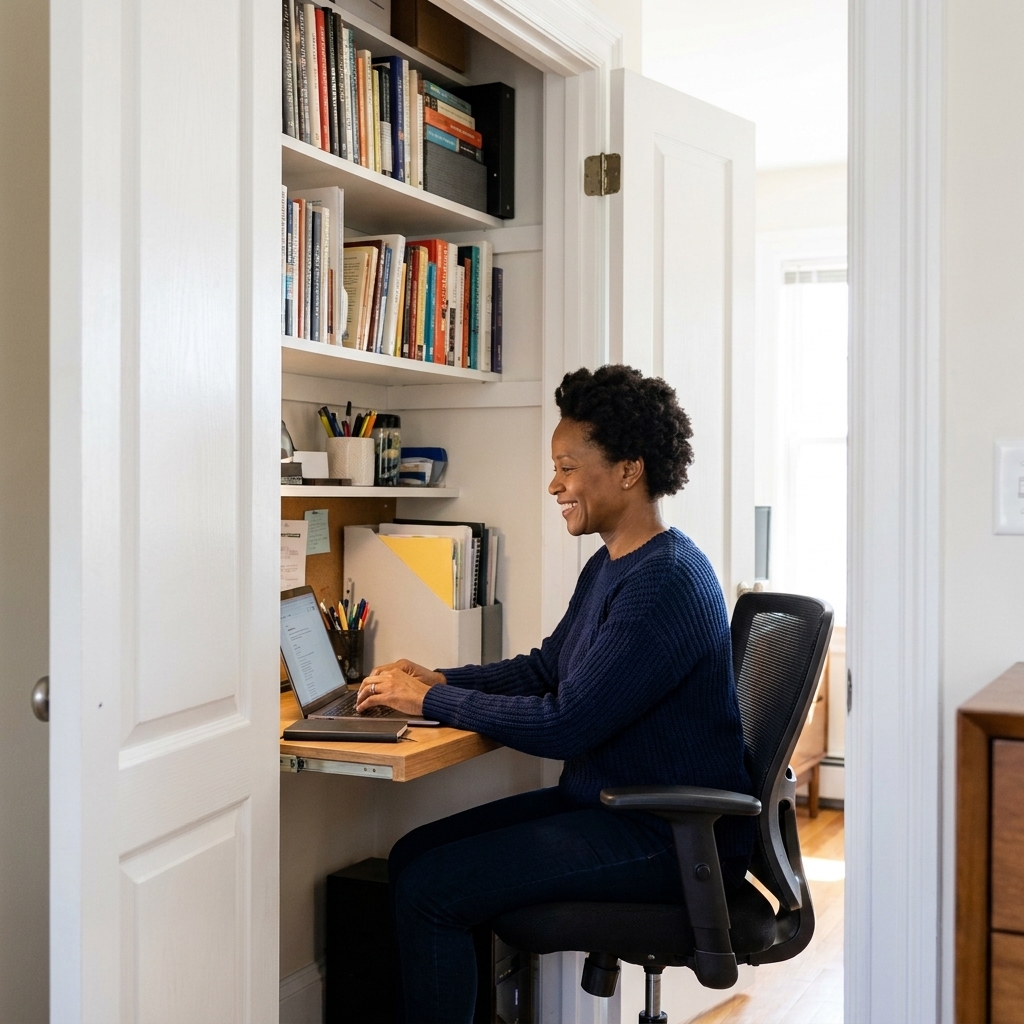
Reach-in closets are easiest. A deeper wardrobe-style closet can be amazing, but only if you can keep the desk at a normal depth and still sit comfortably. If your closet is very shallow, consider a “micro cloffice” for laptop work and paperwork, and keep your monitor on a swing arm mounted to the side wall.
Desk sizing cheat sheet
If you only remember one sizing chart, make it this one.
Depth
- 22 to 26 inches: keyboard plus monitor, comfortable day-to-day work
- 18 to 20 inches: laptop-first, great in narrow closets (especially with a monitor arm)
- 14 to 16 inches: quick tasks only, or a fold-down surface
Height
Most desks land around 28 to 30 inches high (29 is very common). Use it as a starting point, then fine-tune.
- Typing test: When your hands are on the keyboard, your elbows should land near a 90 degree bend and your shoulders should feel relaxed.
- Shorter or taller bodies: A footrest, adjustable chair, or keyboard tray can make a standard-height desk work much better.
Step 1: Empty it like you mean it
Yes, you can absolutely keep some storage in the cloffice, but start with a true blank slate. Pull everything out, then remove the closet rod and any unusable shelves. Patch holes if you are painting anyway.
Decide what storage you actually need
- Work storage: printer, paper, files, chargers, stationery
- Overflow storage: off-season items, vacuum, cleaning supplies
- Visual storage: items you do not mind seeing while you work
My rule: if it will stress you out to look at it during a Zoom call, it does not live in the cloffice.
Step 2: Doors (remove or rethink)
The fastest way to make a cloffice feel airy is changing what happens at the opening.
Option A: Remove hinged doors
This is the classic cloffice move. It visually expands the space, improves airflow, and gives you more room for a chair.
- Unscrew hinges from the frame, not the door, to keep things tidy.
- Label hardware in a bag so you can reinstall later.
- Store doors flat under a bed if possible, or upright behind a sofa with padding so they do not warp.
Option B: Curtain or sliding panel
If you want the ability to hide the “work brain” after hours, a curtain on a tension rod is renter-friendly and forgiving. A ceiling track curtain looks cleaner if you can install it.
Option C: Keep doors, but adjust
If you cannot remove them, you can still build a cloffice. Go slimmer on desk depth, choose a chair that slides fully inside, and consider swapping bulky knobs for slim pulls to avoid chair snagging.
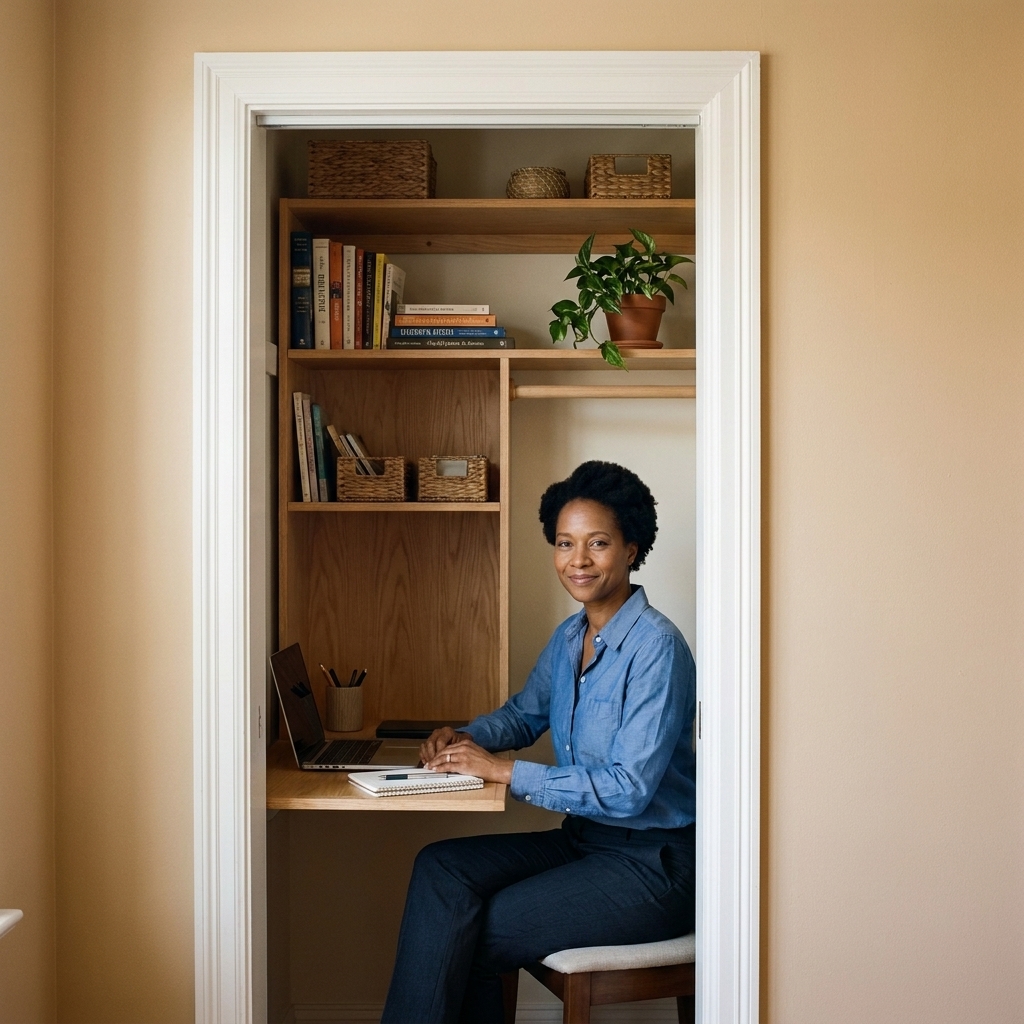
Step 3: Plan the layout
This is where my inner Tetris master comes out. Closets are small, which means your layout needs to be intentional.
Two layouts that work
- Back-wall desk: the classic. Best when the closet is wide enough that you can center your chair and keep storage on the sides or above.
- Side-wall desk: helpful in shallow closets. It can feel less cave-like because you are not staring straight into the back wall, and it can leave more room for chair movement near the opening.
Make a cord plan now
Figure out where your power strip will live, how cords will route, and where your laptop charger will sit. This is the difference between “sleek cloffice” and “octopus nest.”
Step 4: Install the desk surface
A floating desk is the cloffice hero because it keeps the floor clear, which makes the whole setup feel less cramped. Here are the most common ways to do it, from most secure to most temporary.
Before you mount anything
- Know your wall type: drywall, plaster, and masonry all need different anchors.
- Find studs: a stud finder is your best friend for a desk that does not wiggle.
- Finish cut edges: if you cut plywood, seal and edge-band it so it looks intentional and wipes clean.
Approach 1: Cleats into studs (most solid)
If you are allowed to drill, this is the best option. Install a ledger board (a wood cleat) along the back and side walls, anchored into studs, then place a desktop on top. Add L-brackets only if needed.
- Desktop material: butcher block, plywood with edge banding, or a solid wood panel
- Thickness: 3/4 inch minimum for rigidity
- Tip: If studs do not land where you need support, use wall anchors rated for the load, but studs are always preferred.
Approach 2: Heavy-duty shelf brackets (great DIY middle ground)
Mount two or three brackets, then screw the desktop into the bracket arms. This looks clean and can handle real work weight if installed correctly.
- Use at least two brackets for anything under 48 inches wide.
- For a wider surface, add a center bracket.
- Choose brackets deep enough to support most of the desk depth.
Approach 3: Desktop on side supports (least drilling)
If you want minimal holes, create side supports with narrow drawer units or compact filing cabinets and lay a desktop across them. It is not truly floating, but it reads built-in and is easy to reverse.

Step 5: Lighting that works
Closets are notoriously dim. Overhead closet bulbs are basically a jump scare, not task lighting. The fix is layering light: ambient plus task, with a little warmth so it feels inviting.
Best lighting options
- Plug-in sconces: my top pick for renters. Mount with screws when possible, or use removable strips only if the fixture is rated for it and the wall surface allows a strong bond. Hide cords with a paintable cord cover.
- LED puck lights under shelves: perfect for even light on the desktop. Choose rechargeable if outlets are limited.
- Slim desk lamp: great if wall space is tight, but it eats surface area, so go compact.
Bulb guidance (so your face does not look green)
- Color temperature: 2700K to 3000K for warm and cozy, 3500K for neutral “true office” vibes
- Brightness: start around 800 to 1100 lumens total for the cloffice zone, then adjust based on wall color and how detailed your work is. What matters most is good light on the work surface.
- CRI: if listed, look for 90+ for more natural color
If you do video calls, put your main light slightly in front of you or at an angle, not directly overhead. Overhead-only light is the fastest route to tired shadows.

Step 6: Storage up, desk calm
Vertical storage is what makes a cloffice feel like it belongs in your home, not like you shoved a laptop into a closet and hoped for the best.
Smart storage ideas
- One shelf above eye level: baskets for cables, paper, and “not pretty but necessary” supplies
- A peg rail or pegboard: headphones, scissors, charging cords, a small calendar
- File solution: wall-mounted file pockets or a slim rolling file cart you can tuck under the desk
- Printer plan: only bring a printer in if you truly use it weekly. Otherwise, let it live elsewhere and reclaim the space.
My tiny-space rule for desktops
Leave one clear “landing zone” the size of a notebook. Even if the rest gets busy, that blank rectangle makes the whole setup feel functional.
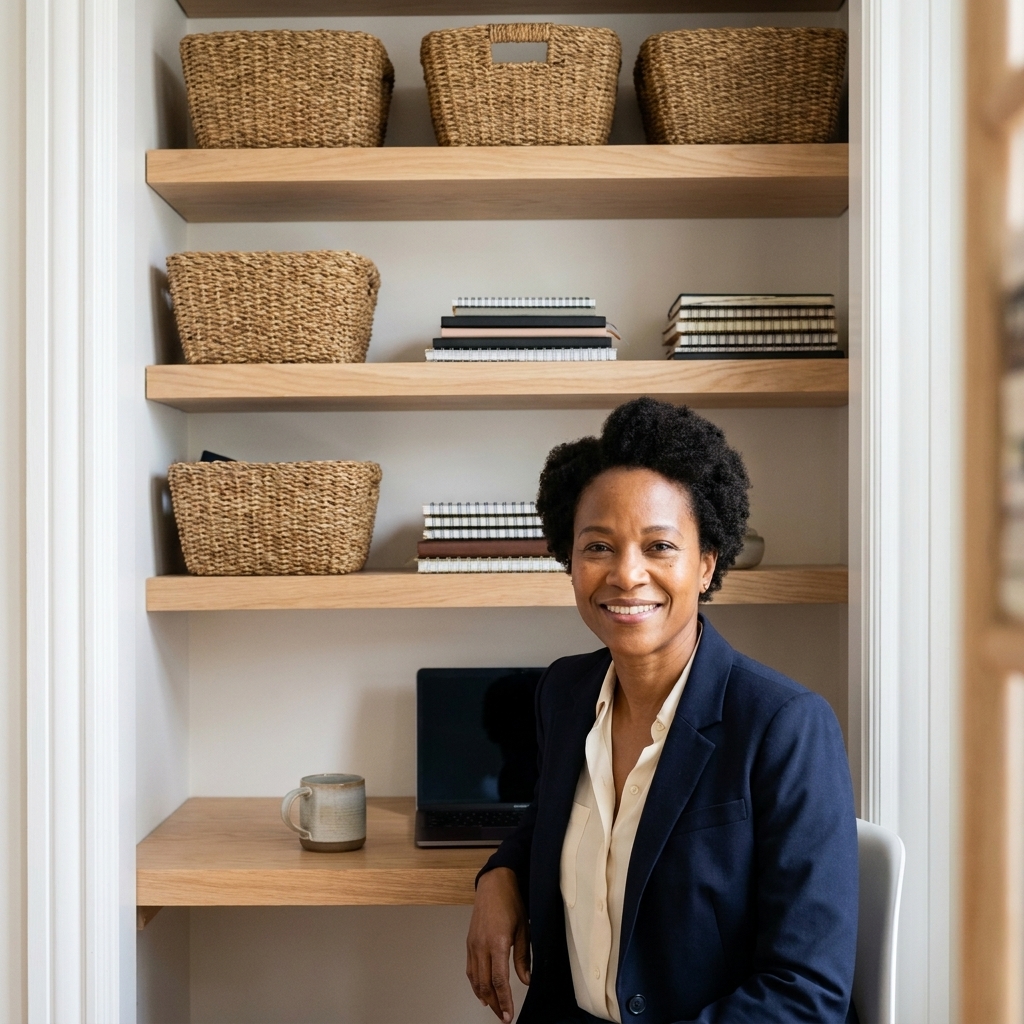
Step 7: Ergonomics in a closet
A cloffice only works if you want to sit there for more than 12 minutes. A few small tweaks make a huge difference.
Monitor, keyboard, and posture basics
- Monitor height: aim for the top of the screen near eye level. Use a monitor arm, riser, or a sturdy stack of books if needed.
- Viewing distance: roughly an arm’s length is a good starting point. If you are squinting, scooting forward, or leaning in, adjust.
- Keyboard and mouse: keep them close enough that your elbows stay near your sides, not winging out.
Chair tips for small closets
- Armless chairs slide in easily and visually disappear.
- Adjustable task chairs are worth it if you work from home regularly. Look for a smaller footprint.
- Foldable chairs are a good compromise for occasional use.
Foot support helps in tight spaces
If the desk is a tad high or your chair does not adjust enough, add a footrest or even a sturdy box. It takes pressure off your lower back and makes cramped seating feel more ergonomic.
Step 8: Style it to blend in
The best cloffice is the one that does not scream “office supply aisle.” Two or three styling moves go a long way.
- Paint or peel-and-stick wallpaper: a lighter tone visually expands the closet and makes lighting more effective.
- Add one piece of art: a framed print or photo gives “tiny room energy,” in the best way.
- Use matching containers: two identical boxes look calmer than five random bins.
- Bring in one texture: a linen pinboard, a woven basket, or a small rug just outside the closet opening.
If you are keeping the opening uncovered, style the cloffice like a built-in. If you are using a curtain, choose one that matches your main room so it reads intentional.

Closet-by-closet ideas
Hall closet
Hall closets are often narrow. Go for a slimmer desk depth (see the cheat sheet), use wall sconces to keep the surface clear, and add shallow shelves for supplies.
Bedroom closet
This is great for focus, but be mindful of sleep hygiene. Add a curtain so you can “close” work at night, and keep lighting warmer after hours.
Entry closet
If your closet is near the front door, prioritize a setup you can hide fast. A curtain plus a lidded bin for clutter is your best friend. If noise is an issue, a thicker curtain can also soften sound a bit.
Safety basics
I am all for a clever DIY moment, but safety is the one place I do not wing it.
- Do not pinch cords: avoid running power cords through tight door gaps, under rugs, or anywhere they can get crushed.
- Do not overload strips: use a quality power strip (or surge protector for electronics), and do not daisy-chain power strips.
- Respect weight ratings: brackets, anchors, and removable strips all have limits. Choose hardware rated for the load and the wall type.
- Watch heat buildup: if you ever close the cloffice doors while equipment is running, heat can climb fast. When in doubt, keep it open and add a small quiet fan.
- When to call a pro: if you need a new outlet, want to hide wiring in-wall, or feel unsure about mounting, an electrician or handyman is worth it.
Common mistakes (easy fixes)
- Mistake: Desk surface too deep for the closet. Fix: Drop to 18 to 22 inches and mount your monitor on an arm.
- Mistake: Overhead-only lighting. Fix: Add a plug-in sconce or under-shelf lighting.
- Mistake: No cord strategy. Fix: Mount a power strip under the desk and use adhesive cord clips.
- Mistake: Too much open storage. Fix: Mix in baskets or bins so your eyes can rest.
- Mistake: Chair cannot tuck in. Fix: Swap to an armless chair or choose a slimmer seat for the cloffice.
FAQ
How much does a cloffice cost?
You can do a basic renter-friendly cloffice for the cost of a desktop surface, brackets, and lighting. If you already have a chair and a lamp, you can keep it budget. The biggest “worth it” splurge is a comfortable chair if you work from home regularly.
Do I need to remove the closet doors?
No. It helps with airflow and makes the setup feel larger, but you can keep the doors and choose a shallower desk plus a chair that slides fully inside.
Can I build a cloffice without drilling?
You can minimize drilling by using a desktop over two slim supports (like small drawer units) and adding stick-on puck lights. For a truly wall-mounted desk, secure shelving, and most sconces, drilling usually gives the most stable result.
What desk depth is best?
For most people, 22 to 26 inches is comfortable. If your closet is tight, 18 to 20 inches works well for laptop-first work, especially with a monitor arm.
How do I keep it from feeling cramped?
Keep the floor as clear as possible, use lighter colors, add better lighting than you think you need, and limit desktop clutter. One shelf with baskets can store a lot without making the space visually loud.
Quick checklist
- Measure width, depth, and chair clearance
- Check outlet access, ventilation, and cord route
- Decide: doors off, curtain, or keep doors
- Pick desk depth and height (use the cheat sheet)
- Install desk surface and plan cord management
- Add layered lighting (ambient plus task)
- Go vertical with shelves and hidden bins
- Dial in ergonomics (monitor height, foot support)
- Style it with one art piece and cohesive storage
If you want the biggest impact with the least effort, start with lighting and a desk surface. Once those are in, the rest of the cloffice tends to click into place.