10 smart, small-space layouts for long, narrow living rooms. Fix traffic flow, choose the right sofa setup, and place your TV without turning the room into a...
Space Ovo
11 Clever Ways to Hide Cords, Routers, and Electronics in a Small Living Room
Tame cable clutter fast with renter-friendly tricks: cord raceways, cable boxes, wall mounting, and stealthy ways to hide routers and power strips.

Maya Brooks
Maya Brooks is an interior stylist and layout enthusiast who believes square footage should never dictate your home's style. After a decade of navigating cramped city studios, she shares practical, renter-friendly decorating and storage solutions to help others maximize their tiny spaces.
Created October 17, 2026
Updated October 17, 2026
In a small living room, cords don’t just look messy. They visually “slice up” the space, pulling your eye down to the floor and making everything feel tighter. The good news is you do not need a full rewiring project to fix it. With a few renter-friendly tools and some styling sleight of hand, you can make your entertainment area look calmer, cleaner, and yes, bigger.
My tiny-apartment rule: aim for one intentional cable path (along a baseboard, down a table leg, or inside a cabinet) and hide the rest. Here are my favorite ways to do it.
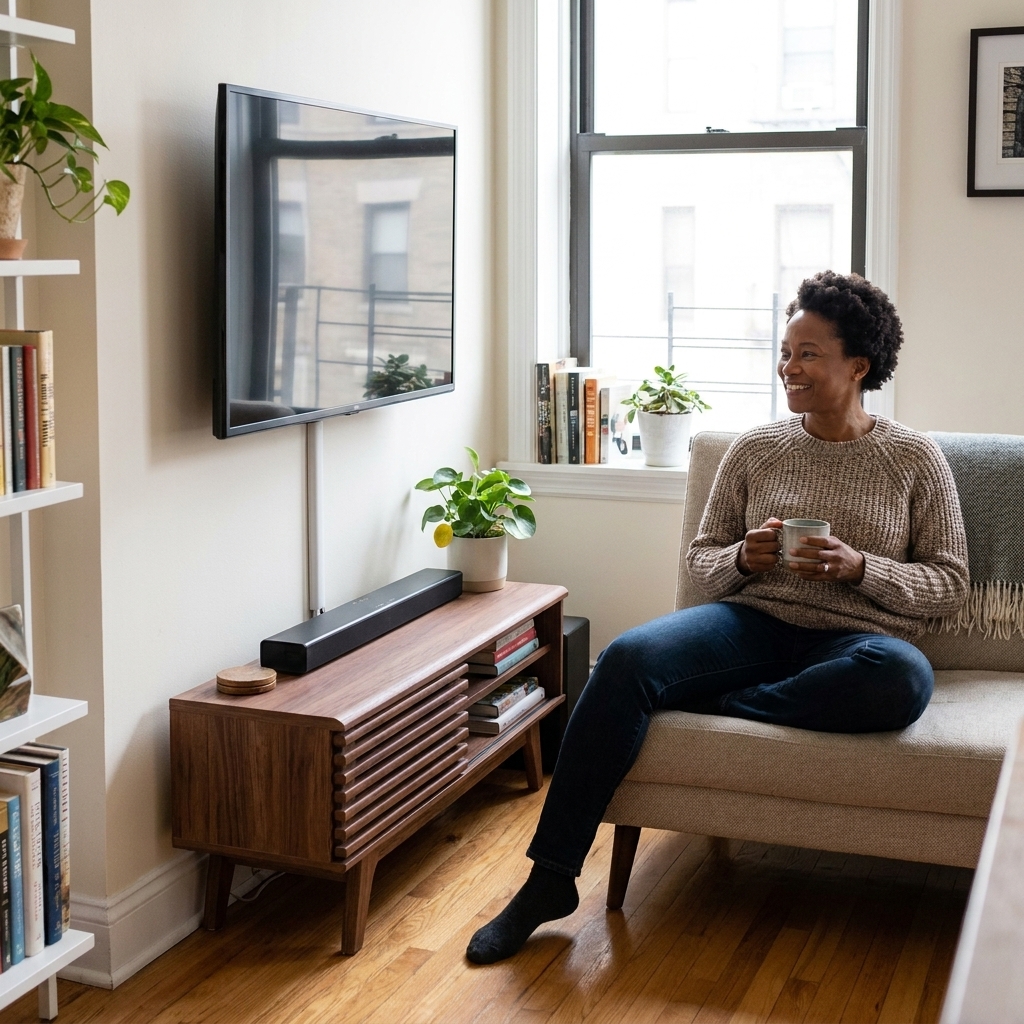
1) Use paintable cord raceways
If you do nothing else, do this. Adhesive cord raceways (sometimes called cord covers) stick to the wall and create a clean channel for TV and lamp cords. They instantly erase the “spaghetti drop” from a mounted TV to the console.
- Best for: Wall-mounted TV cords, speaker wire, a long run to an outlet.
- Renter tip: Look for removable adhesive strips, and test on an inconspicuous spot first.
- Styling tip: Choose paintable covers and match your wall color so the line disappears.
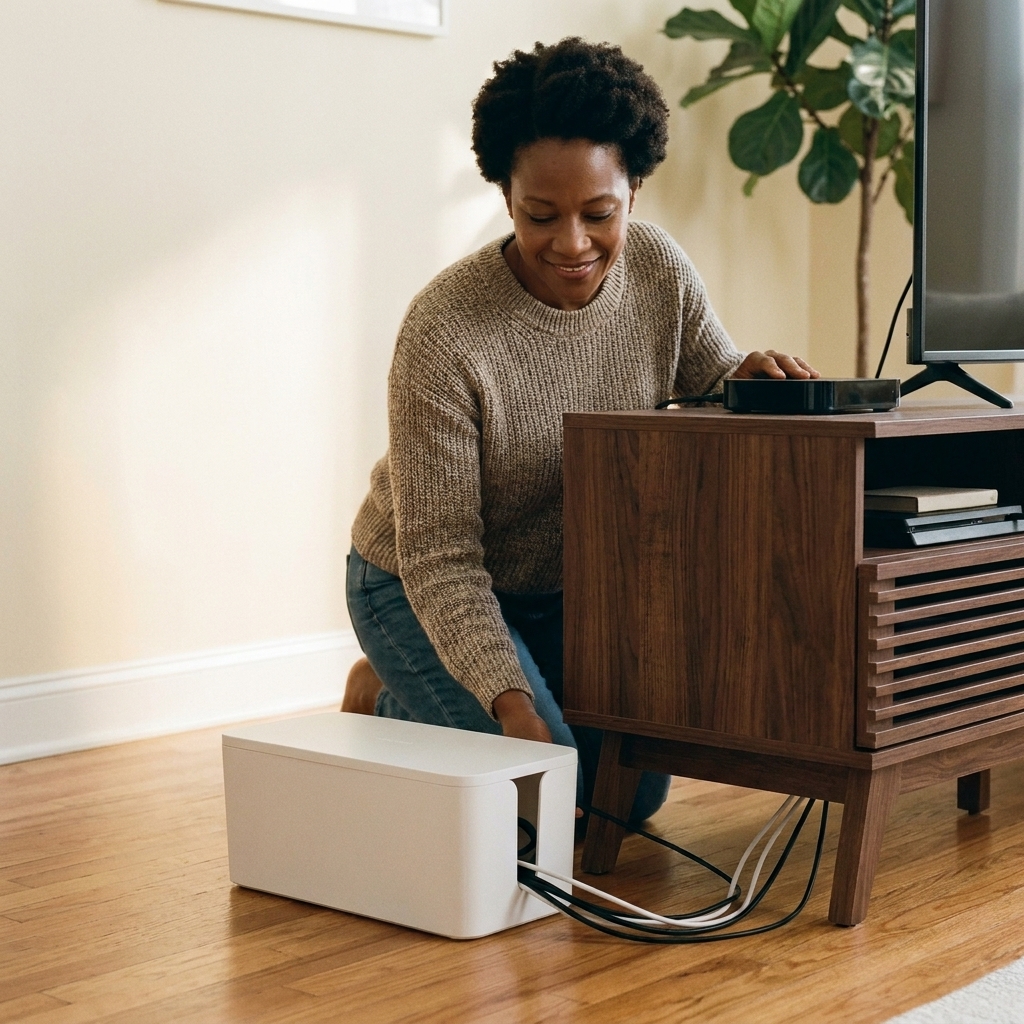
2) Hide the power strip in a cable box
Power strips are necessary, but visually they are pure chaos. A cable management box is a ventilated container that hides the power strip and the bulk of the plugs, leaving only a few tidy cords exiting from the sides.
- Best for: Under-console setups, desk corners, lamp clusters.
- Safety note: Use a box designed for cable management with ventilation openings. Do not wrap a power strip in fabric or shove it into an airtight container.
- Also: Do not daisy-chain power strips, and do not exceed your strip’s amperage rating.
3) Mount the power strip under furniture
This is my favorite “why did I not do this sooner?” move. Use heavy-duty removable mounting strips or small screws (if allowed) to attach a power strip to the underside of your media console, side table, or even a floating shelf.
- Best for: Streaming boxes, chargers, consoles, and anything that lives near a table or cabinet.
- Small-space win: Keeps the floor visually clear, which makes a room feel larger.
- Do it safely: Use a strip designed to be mounted (look for keyhole slots), keep it accessible, and avoid placing it where it can be kicked, pinched, or covered.
- Pro move: Pair with short cables so there is nothing to coil.
4) Swap in shorter cables
Most cord clutter is not cords, it is extra cord. A 10-foot HDMI cable in a 3-foot situation creates a loop party behind your console. Measure your actual run, then buy the right length.
- Best for: HDMI, Ethernet, USB charging cables, speaker wire.
- Extra helpful: Right-angle HDMI and power adapters sit flatter behind furniture, so pieces can scoot closer to the wall.
- My measuring tape rule: Add 6 to 12 inches of slack for breathing room and future rearranging.
5) Use Velcro ties and labels
Zip ties work, but Velcro ties are kinder when you are constantly swapping devices (hello, renters and serial furniture rearrangers). Bundle cords by category, then add a tiny label on each end.
- Best for: The back of a media console, under-desk setups, gaming stations.
- Label tip: Label both ends of each cord, not just one. When you unplug something, you will still know what it is.
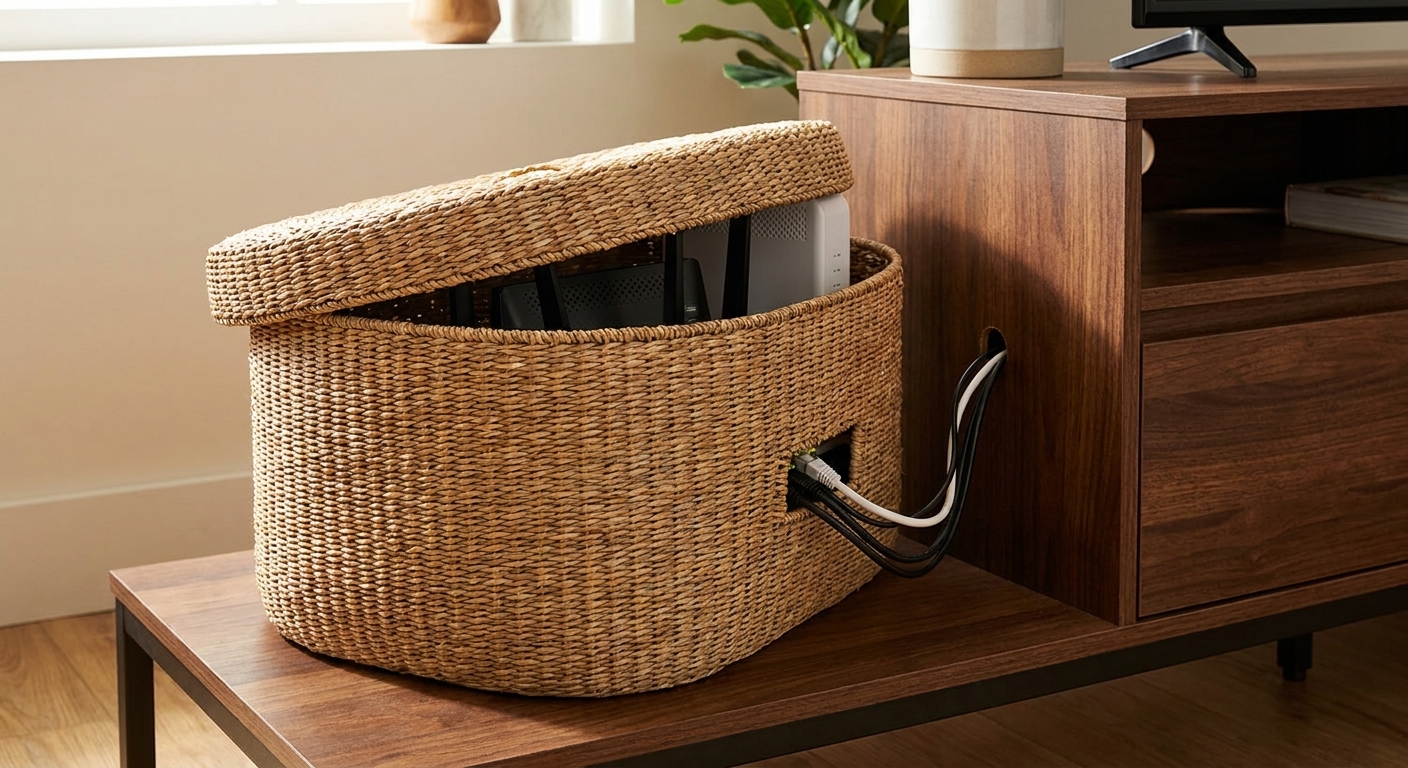
6) Use a basket for electronics
Not everything needs to be displayed. If you have a router, modem, power brick, or a chunky smart home hub, a lidded basket can be the prettiest “tech cabinet” in the room. Choose one with a structured shape and some airflow.
- Best for: Routers and modems (with breathing room), small hubs, extra remotes.
- Make it look intentional: Place a book or small tray on top, so it reads like decor.
- Signal tip: Do not bury routers behind metal or inside tight closed cabinets if your Wi-Fi struggles.
7) Pick a console with cutouts
If you are shopping anyway, buy for your future sanity. The best small-space media consoles have:
- Back cutouts for cords to pass through
- Adjustable shelves for taller devices
- Doors to hide visual clutter fast
If you already own a console that is open-backed, you can add a fitted fabric panel (Velcro-attached) or a thin backing board to hide the view from the front while still letting cords pass through.
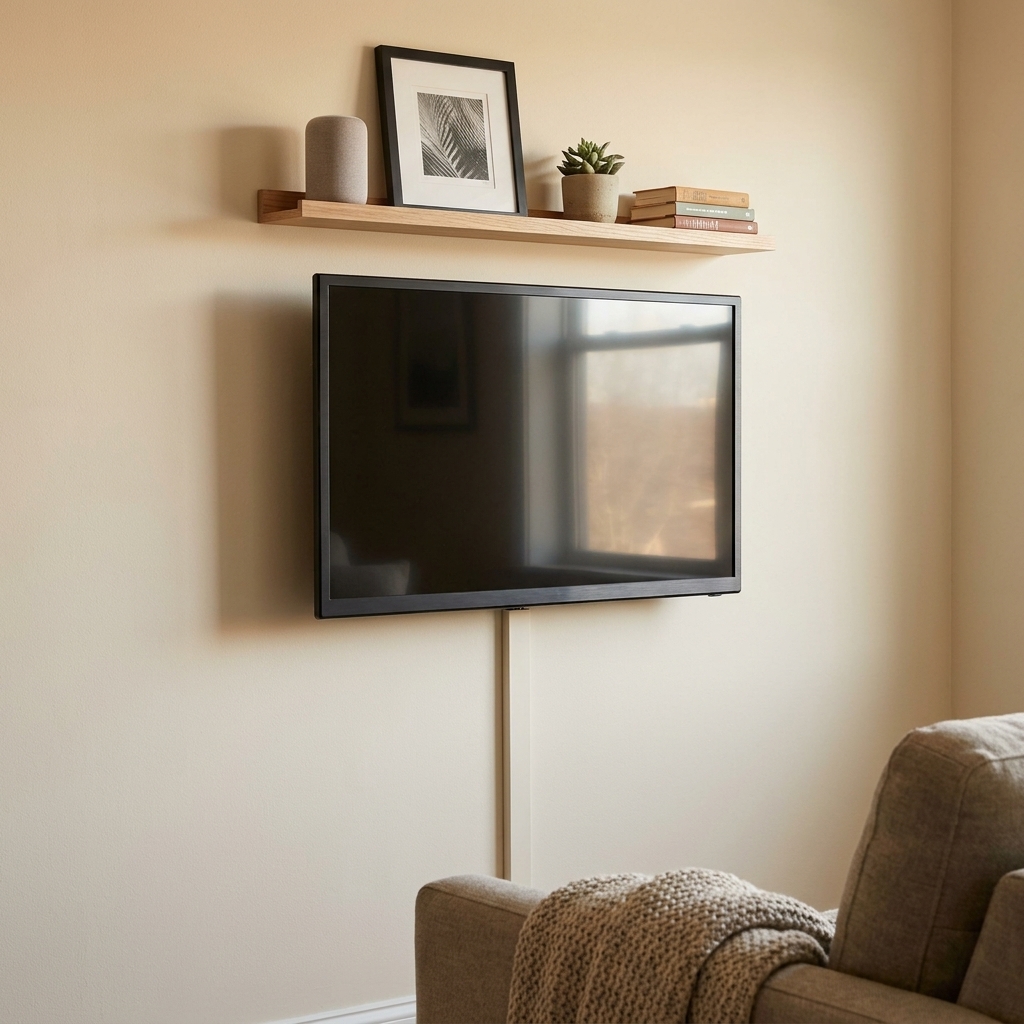
8) Add a TV shelf
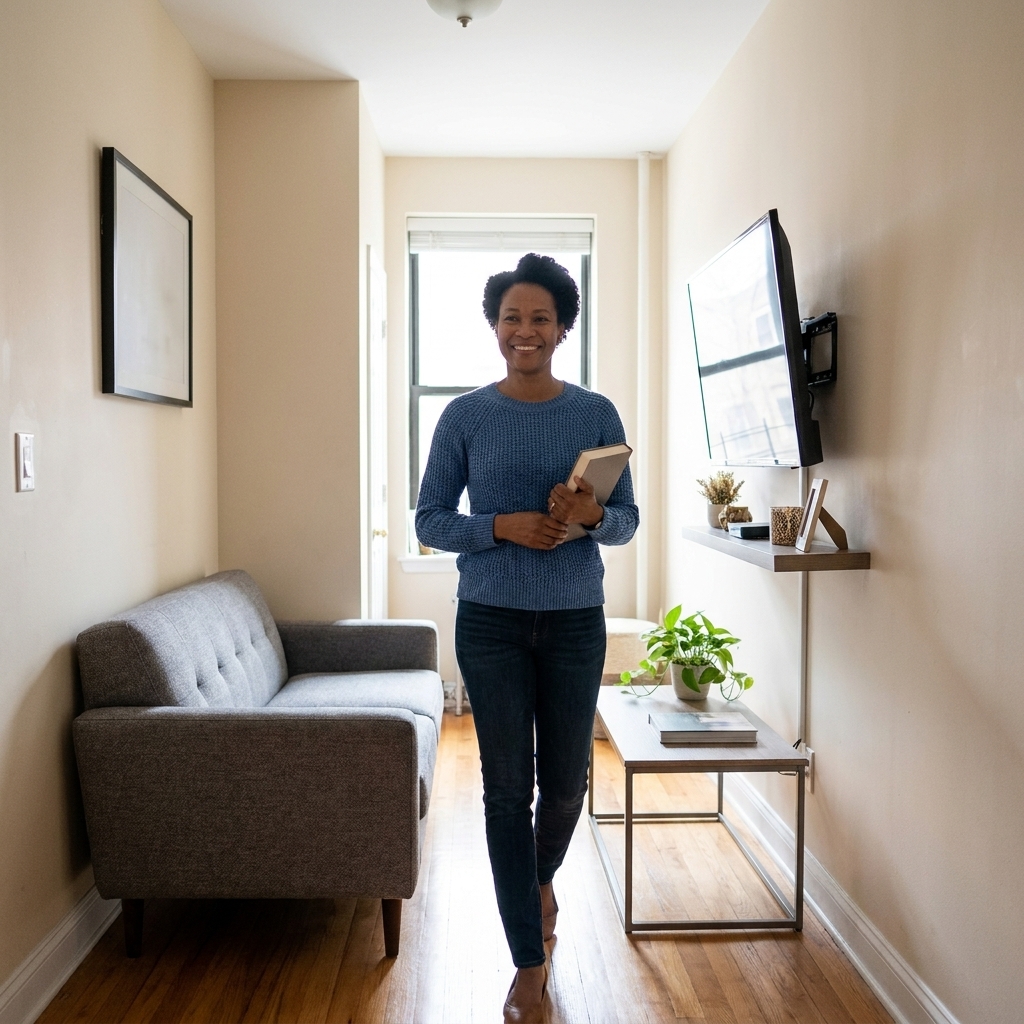
A slim picture ledge or shallow shelf above or beside the TV can hide streaming boxes, small speakers, or a projector accessory without adding bulk. Run cords along the shelf support and into a raceway, and suddenly your setup looks custom.
- Best for: Tiny living rooms where a big console feels heavy.
- Renter tip: Use lightweight shelves rated for your device weight and follow the manufacturer’s mounting guidance.
9) Run cords down one spine
When you cannot hide everything, you can still make it look intentional. Create one vertical “spine” behind the console using a cord sleeve or a tidy bundle wrapped with Velcro. The key is that cords travel together, not in five different directions.
- Best for: Entertainment centers with multiple devices.
- Placement tip: Center the spine so it is less visible from side angles.
10) Use decor as a soft screen
I am not above a little visual misdirection. If your outlet is awkwardly placed or you are in a rental with zero flexibility, use decor as a soft screen.
- Option: A tall floor plant positioned between the outlet and the seating area
- Option: A stack of oversized coffee table books on a low shelf to mask a cord run
- Option: A floor lamp placed so the cord sits behind its base, not in front of your walkway
This is not a substitute for safe cable management, but it is a very real small-space styling tool.
11) Style the router
Sometimes the best way to deal with a router is to stop fighting it. If your Wi-Fi drops when you tuck it away, bring it out and make it blend.
- Place it on a bookshelf among objects of similar height
- Use a neutral tray to corral router + modem so it reads like one styled zone
- Route cords down the back of the bookcase with clips, then along the baseboard
Think of it like an air purifier. Sometimes it is better visible and working than hidden and useless.

Quick setup checklist
- Unplug everything and dust first. You will not want to do this twice.
- Decide your “one cable path” to the outlet.
- Swap in shorter cables where you can.
- Bundle and label cords before plugging back in.
- Hide the power strip in a ventilated box or mount it under furniture.
- Finish with one visual screen (basket, plant, or closed-door console) if needed.
- Do a final safety scan: keep cords out from under rugs and away from doorways where they can get pinched or become a trip hazard.
Common questions
Is it safe to put a power strip in a box?
Yes, if it is a purpose-built, ventilated cable management box and the strip is not overloaded. Avoid sealing a power strip in an airtight container or wrapping it in fabric. Do not daisy-chain power strips.
Should I use a surge protector?
For TVs, streaming devices, game consoles, and routers, a surge protector is a smart upgrade over a basic power strip. Check the rating and make sure it is appropriate for your setup.
Will hiding my router hurt Wi-Fi?
It can. Routers need airflow and do best out in the open, away from thick walls, metal cabinets, and crowded clusters of electronics. If your signal weakens, switch to a basket with airflow, place it on a shelf, or keep it out on a tray.
How do I hide TV cords if I cannot cut into the wall?
Use a paintable cord raceway from the TV to the console, then hide the rest behind the console using a cord sleeve and a cable box for the power strip. It looks clean without any drywall work.
Have a tricky layout, like a wall-mounted TV with an off-center outlet or a router that has to live in the living room? Share your setup in the comments. The more specific you are about where the outlets and furniture land, the easier it is to map a single, clean cable path.